
Search and Ye Shall Find!
Introducing TAB Search Function
Believe it or not, but since we started this new format in August, we have added 80 web pages / articles of content.
Last week a beekeeper friend asked me if I could remember which issue of TAB contained the article on Oxalic Acid Strips by Elizabeth Frost. I could not remember, but there is an easy way to find the article other than searching through issue by issue.
Last month we added a Search Function to TAB and it is easy to use on both mobile devices and desktop.
1. To use Search, click the Search tab in the main menu
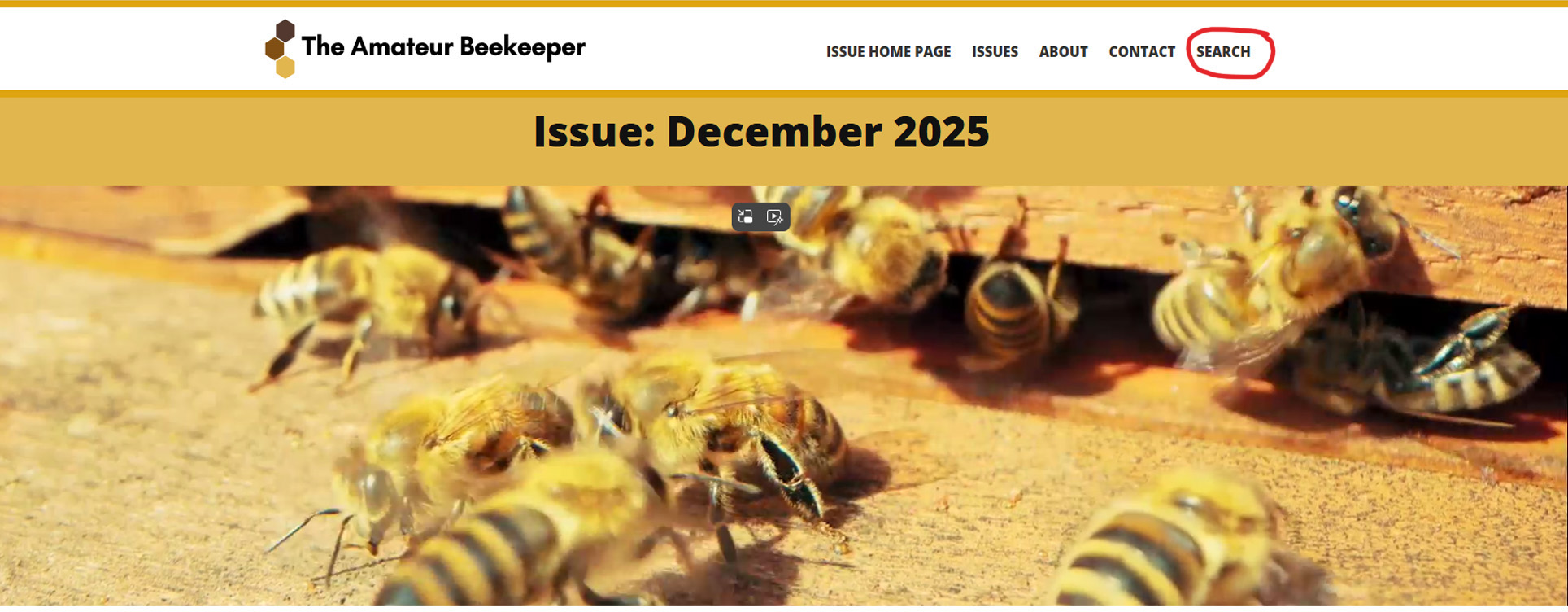
2. When you click on the search tab it will take you to a page like this.

3. My friend Geoff was looking for the story about Oxalic Acid Strips so I told him to enter just the word Oxalic and click the red button with the magnifying glass.
NB: The TAB search is a simple. single word search. So use the most unique single word that is related to the story. If you use two words like Oxalic Acid it will search for all pages with Oxalic and all pages with Acid. This will mean you will get stories about Formic Acid with no reference to Oxalic Acid.
So use single, unique words.

4. The result was a list of pages which contain the word Oxalic. Note that there is a 2nd page of results.
Geoff recognised the story he was looking for in the list. He just clicked on the story and it opened.
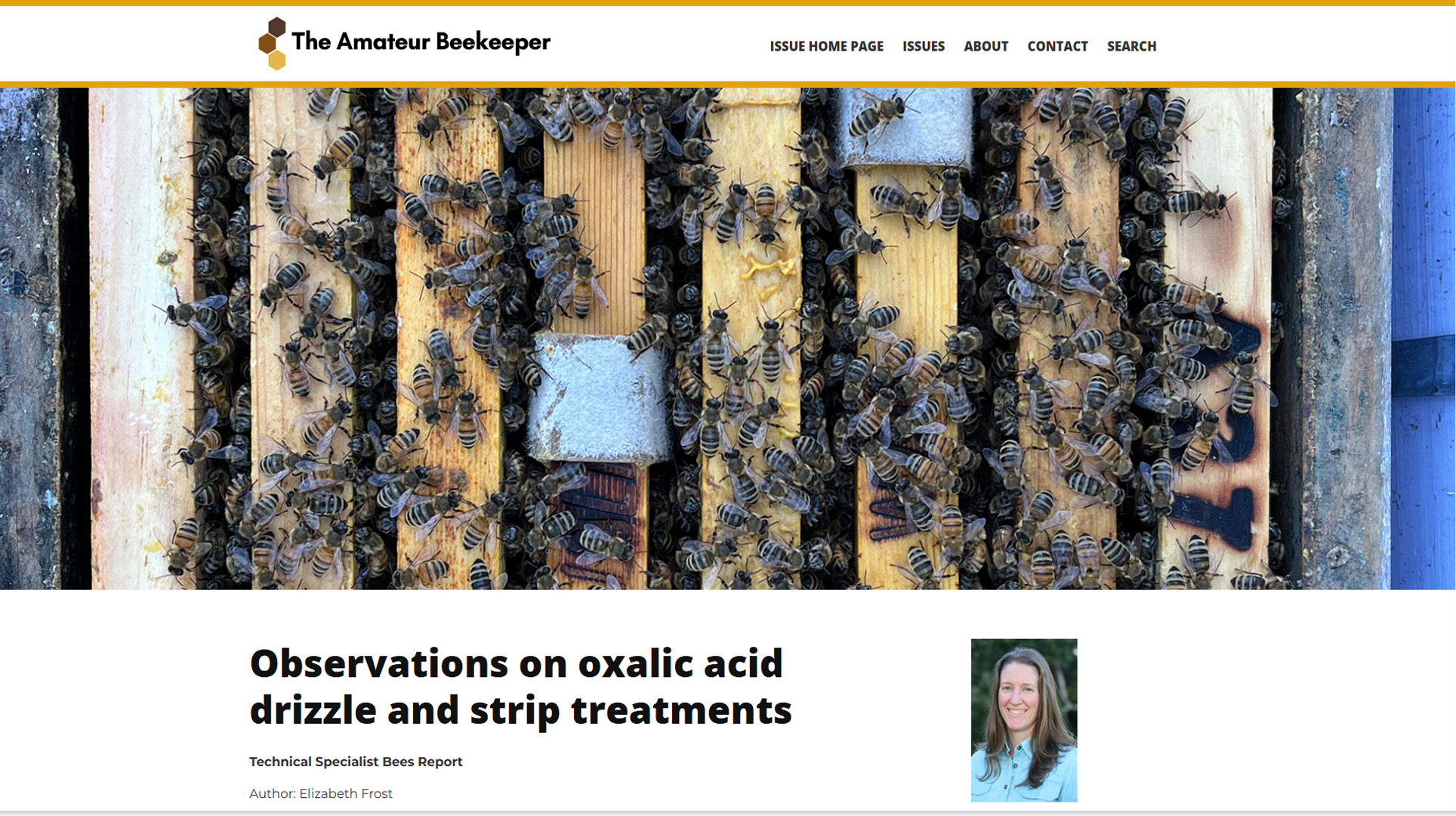
5. You could have searched for this story by using the authors first or last name. (Elizabeth or Frost). Elizabeth Frost has only written one story for TAB so this might narrow the list.
If you were looking for Mike Allerton's story on Apimondia, you could search for Mike or Allerton, but Mike has written a lot of stories for TAB so searching for Apimondia would be the best option.